

BrandBloom
Social content for your business.
And every brand you work with.
Turn your ideas, facts, and media into editable social posts in one focused Mac app. Create for your own business or your clients, with the final say on every draft.
For Apple silicon Macs with macOS 14 or later. Your AI and publishing accounts stay yours.
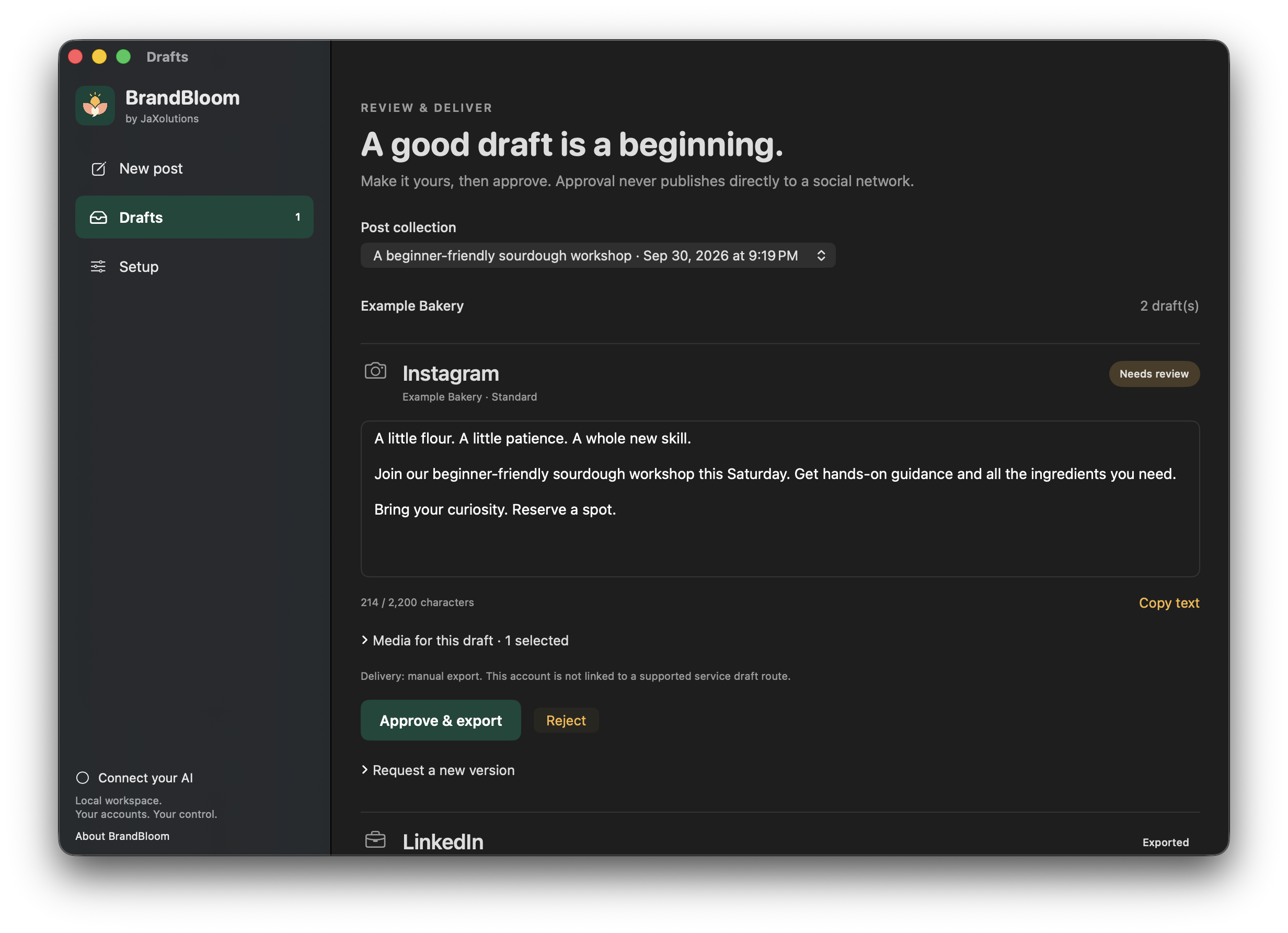
One business.
A whole client roster.
The same clear workflow.
For business owners, BrandBloom brings the content routine into one place: what you are promoting, the media you want to use, and the posts you need to prepare.
For agencies, saved brands keep client context and account selections separate. Switch brands without rewriting the same background for every new brief.
From first idea to approved handoff, your content stays editable. No surprise publishing, and no need to hand over control of your AI or social accounts.
Less explaining. More creating.
Pick your business or a client brand, add your own images or video, and answer a few plain-language questions. Saved brand details give the next post a head start without mixing up your clients.
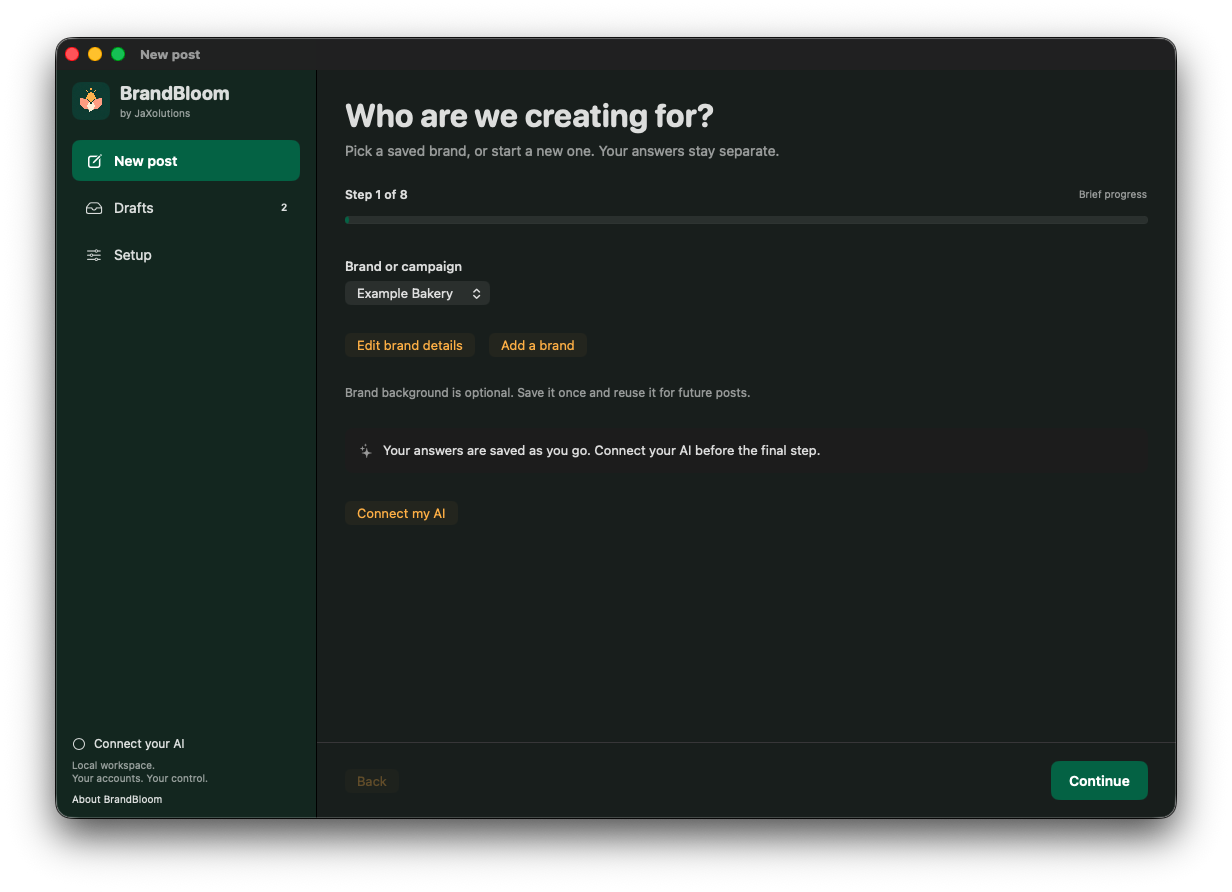
Drafts remain yours to change.
Create a draft for each selected social account, then edit the wording, check the media, or ask for a revision with specific notes. Keep the brand voice consistent without copying the same post everywhere.
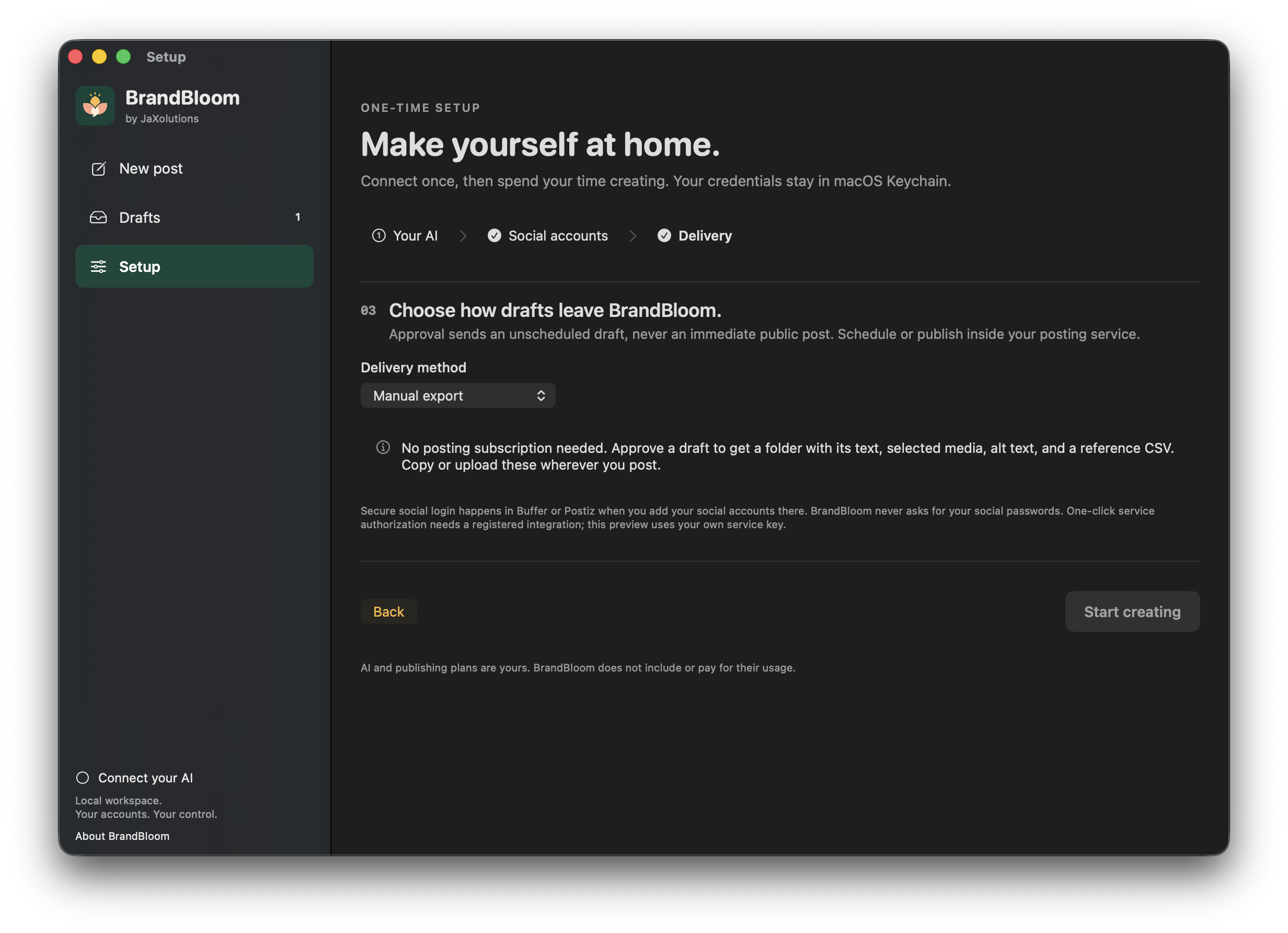
Use the handoff that fits your workflow.
Export reviewed text and media for manual posting, or send an unscheduled draft through a supported connected service. BrandBloom keeps draft delivery separate from publication.
What your subscription unlocks.
The complete BrandBloom workflow, whether you choose monthly or annual billing.
- The native Mac workspace
- Create, review, and deliver content from one app, with subscription activation tied to your purchase account.
- Separate saved brands
- Reuse each business or client's background, preferences, and account selections without starting over.
- Guided briefs and editable drafts
- Turn your facts and media into account-specific drafts using your chosen AI connection. Review and revise before approval.
- Export and connected handoff
- Export reviewed text and media, or transfer an unscheduled draft through a supported publishing service.
- Post history and brand memory
- Record what you actually published and optional results. Use relevant brand history to inform future drafts, even if you change AI providers.
- Your secure download and activation
- Sign in with your purchase email to download the app and create a short-lived activation code.
BrandBloom is the workspace, not an AI or publishing subscription. Bring your own supported accounts. Their usage charges and plan fees, if any, are separate.
Your brands.
Your tools. Your control.
Keep brand context in your own Mac workspace. Choose a supported AI connection, review what it creates, and decide how each approved draft leaves the app. Credentials are stored in macOS Keychain.
- Mac app
- Requires an Apple silicon Mac running macOS 14 or later. Intel Macs, Windows, and mobile apps are not supported by this release.
- Your AI
- Supported OpenAI, Anthropic, or Gemini API access, or a local model through Ollama.
- Your delivery
- Manual export, or a supported connection to your own Buffer, Postiz, Publer, or Sprout Social account.
- Your history
- Published-post history and optional result notes stay tied to the right brand. Review or disable history use when you choose.
Same app. Your choice of plan.
Both plans include the same BrandBloom features. Choose your billing interval at secure checkout.
Monthly
$9 per monthFull app access, billed each month.
Annual
$99 per yearThe same full app access, billed once a year.
AI and publishing-service charges, if any, are billed by those providers separately.
Cancel renewal at any time. Access continues through the period you have paid for.
Getting started
- 01
Subscribe
Choose monthly or annual access and complete secure checkout with your email address.
- 02
Download and activate
Sign in to your BrandBloom account to download the Mac app and get a short-lived activation code.
- 03
Create your first post
Connect your AI, save a business or client brand, and follow the guided brief. Choose manual export or connect your own publishing service.
A few useful answers.
Have a question about BrandBloom or whether it fits your workflow?
Contact usCan I use BrandBloom for my business and my clients?
Yes. Save a separate brand for each business or client, with its own background, brief, account selections, and published-post history. BrandBloom is a local Mac workspace, not a shared team dashboard or client-approval portal.
Is AI usage included in the subscription?
No. Your subscription covers BrandBloom. Connect your own supported AI API account or a local model through Ollama. API usage and any external provider charges are separate. An existing chat subscription does not automatically include API access.
Do I need a publishing-service subscription?
No. Manual export lets you take the reviewed text and media to your social platform yourself. You can also connect your own eligible Buffer, Postiz, Publer, or Sprout Social account. Service plans, API permissions, platform support, and media restrictions apply.
Will BrandBloom publish anything without my approval?
No. You review and approve drafts first. Approval either exports the content or transfers an unscheduled draft to your connected service; it does not publish directly to a social network. You choose when to schedule or publish in the destination service.
Are monthly and annual features different?
No. Both subscriptions include the same BrandBloom features. The difference is how often you are billed. AI and publishing-service fees are not included in either plan.
What happens if I cancel or a payment does not go through?
Canceling renewal keeps access available through your paid period. New app access requires a current paid subscription. Your existing work and exports are not deleted when access ends. Use your BrandBloom purchase account to check your access, or contact us for help with billing and reactivation.
Give every brand a place to create.
A focused workflow, from the first brief to a post you are ready to share.
Already subscribed? Open your BrandBloom account